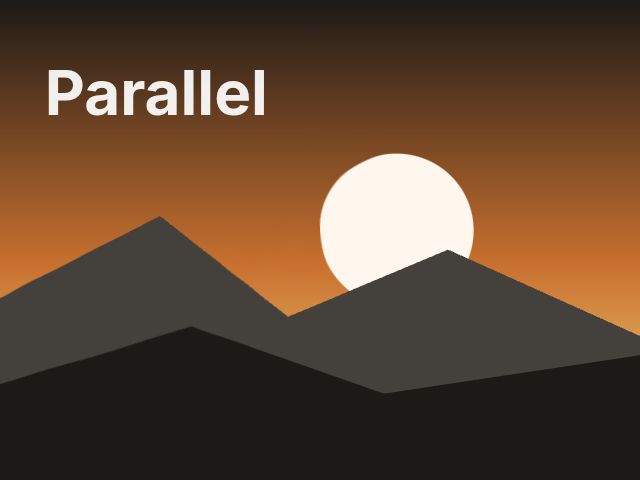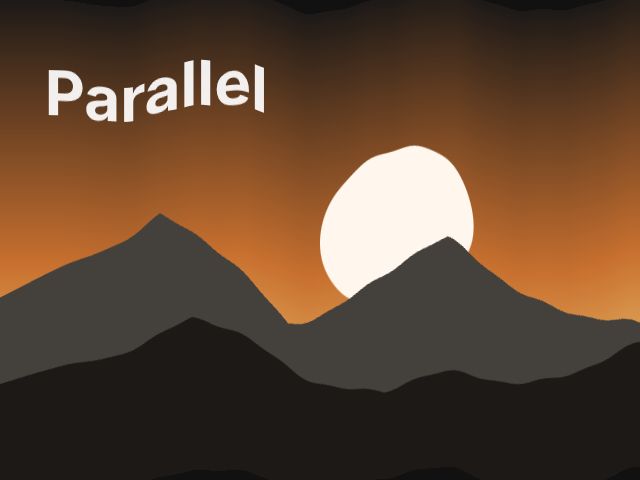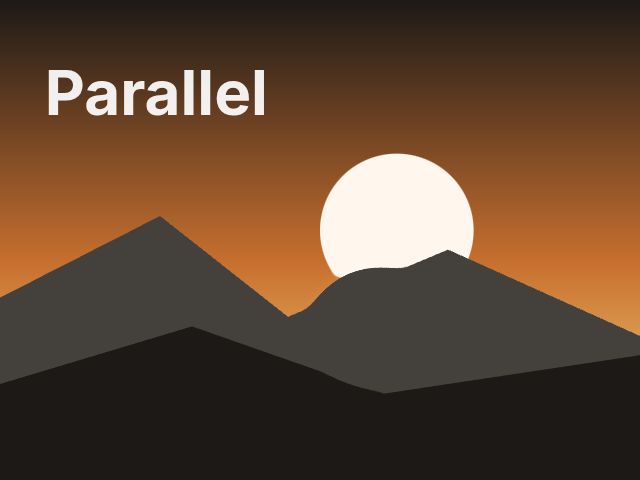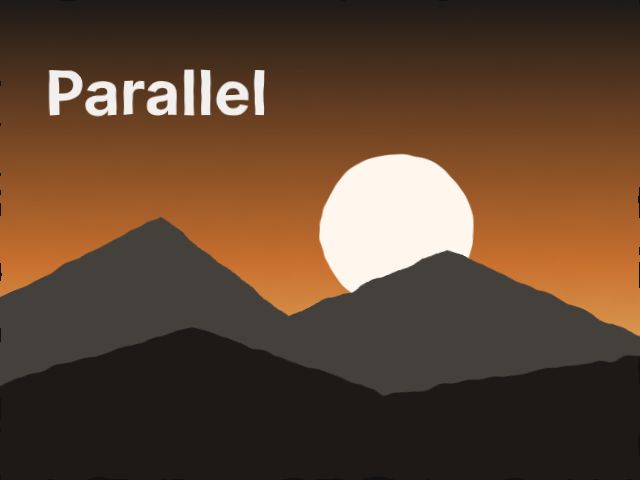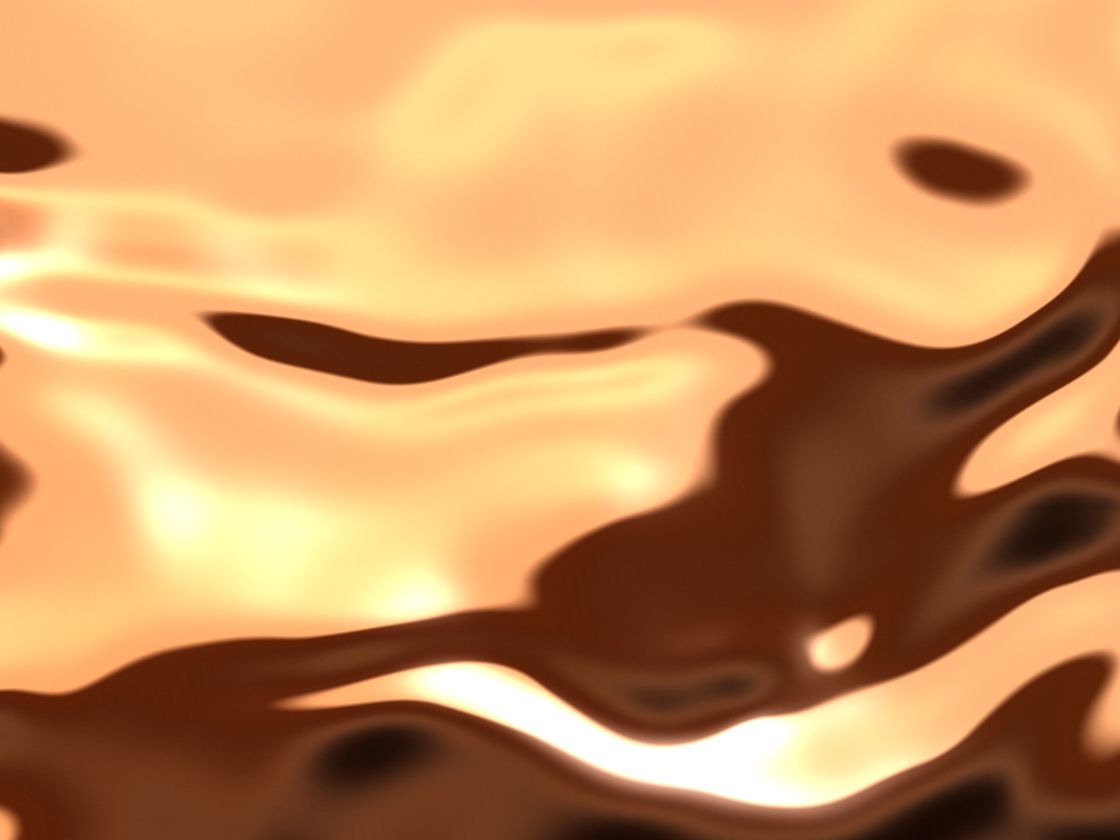
Mesh Gradient
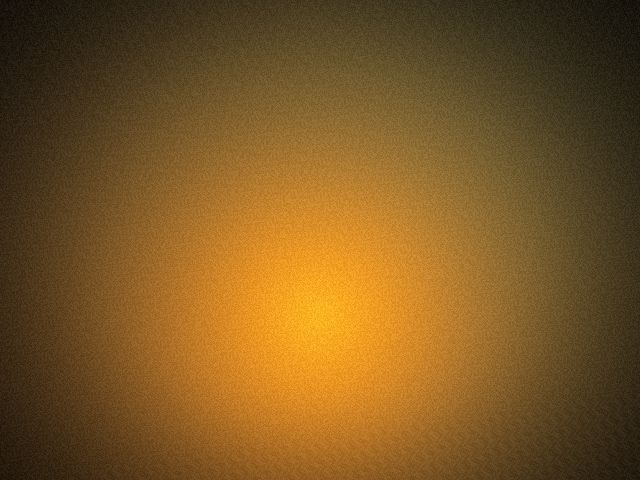
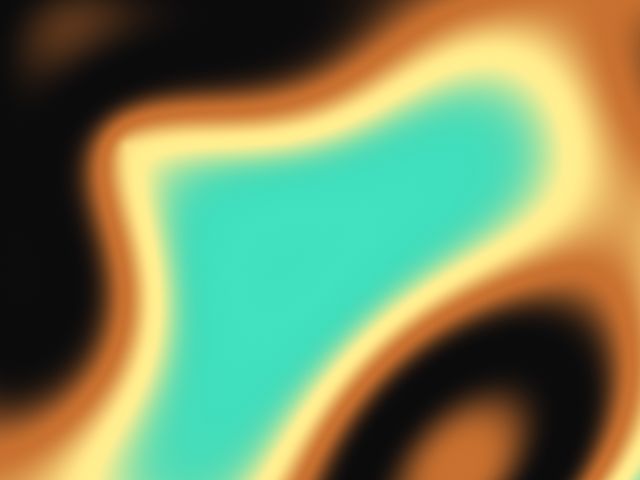
BackgroundFour colors drifting on soft, warped control points, with film grain. A calm hero background.
SwiftUI
Rectangle()
.parallelShader(.meshGradient)
.ignoresSafeArea()Native shaders for SwiftUI.
38 Metal shaders with one settings API: 25 animated backgrounds, from liquid chrome and aurora to caustics and dot fields, and 13 effects for any view. Drag them, tap them, tilt them. They follow Reduce Motion and stop when they're off screen. One line of SwiftUI each.
iOS 17+ · macOS 14+Native SwiftUI for iOS 17+ / macOS 14+, a separate product line from our web effects. A Swift package for Xcode, not a script tag. Building a website? See our web effects.
$39 one-time when it launches · One-app license · Free v1.x updates
.parallelShader(.liquidChrome, preset: "copper")The API
Each effect is a ParallelShader with typed parameters, a palette and three presets. One ShaderSettings value changes any of them, and .parallelShader() handles time, interaction, Reduce Motion and pausing.
import ParallelShaders

// A background: fills whatever shape it's on.
Rectangle()
    .parallelShader(.liquidChrome, preset: "copper")
    .ignoresSafeArea()

// An effect on your own view.
Image("cover")
    .parallelShader(.halftone, settings: ShaderSettings(
        values: ["cell": 6, "angle": 30],
        palette: ShaderPalette("#f2ede4", "#1c1917", "#000000", "#000000"),
        reduceMotion: .still
))Rectangle(), a card, or a Text to fill its glyphs.Drag or tap any preview, switch its presets, copy its SwiftUI. These previews are WebGL ports generated from the same shader source as the Metal code; in your app they run natively in SwiftUI.
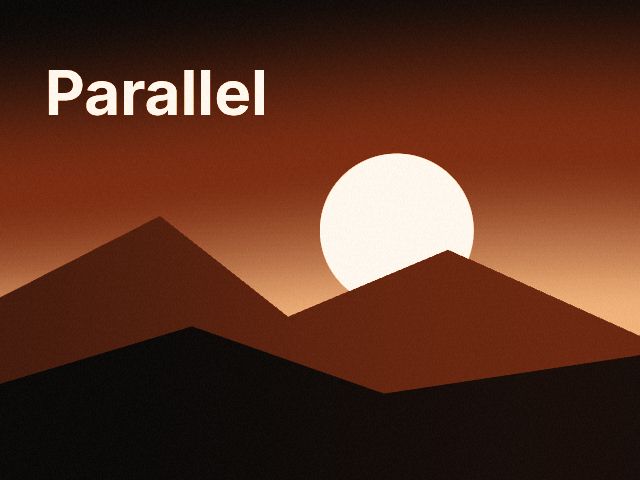
Four colors drifting on soft, warped control points, with film grain. A calm hero background.
Rectangle()
    .parallelShader(.meshGradient)
.ignoresSafeArea()Two blurred light sources orbiting under heavy grain, like aura photography or a long-exposure lamp.
Rectangle()
    .parallelShader(.aura)
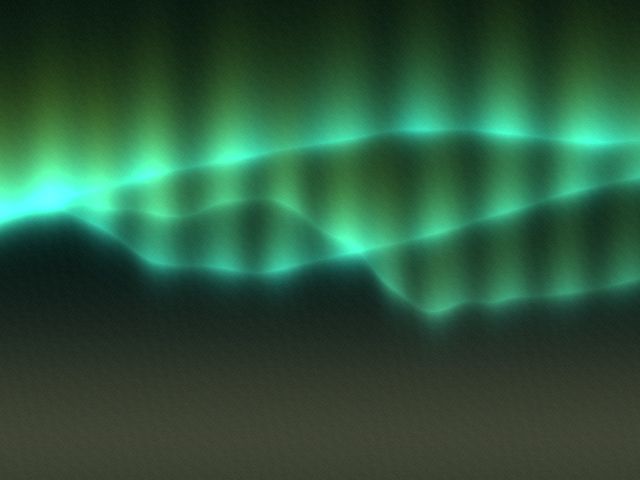
.ignoresSafeArea()Curtains of polar light that ripple across a night sky, with vertical rays and a soft horizon glow.
Rectangle()
    .parallelShader(.aurora)
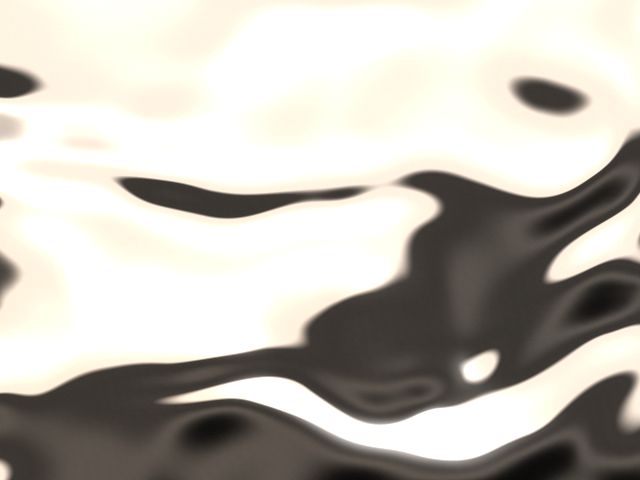
.ignoresSafeArea()A slowly flowing mirror surface: a warped height field lit by a studio horizon, with sharp specular bands.
Rectangle()
    .parallelShader(.liquidChrome)
    .ignoresSafeArea()
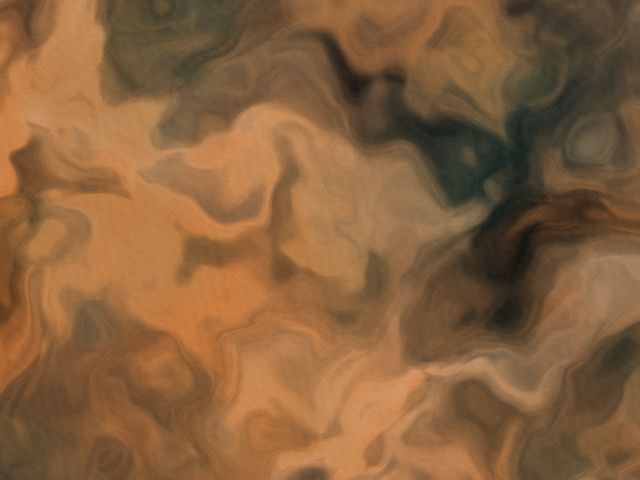
Ink dropped in water: a twice domain-warped noise field that curls and blooms into three inks.
Rectangle()
    .parallelShader(.inkSmoke)
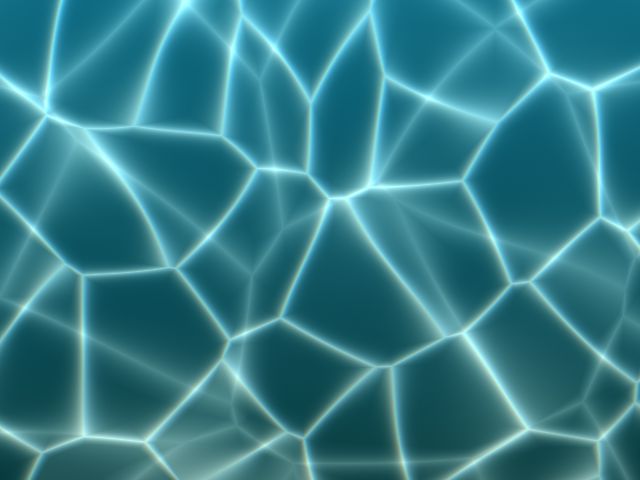
.ignoresSafeArea()Sunlight focused through moving water: two drifting layers of bright, wobbly light webs over a depth gradient.
Rectangle()
    .parallelShader(.caustics)
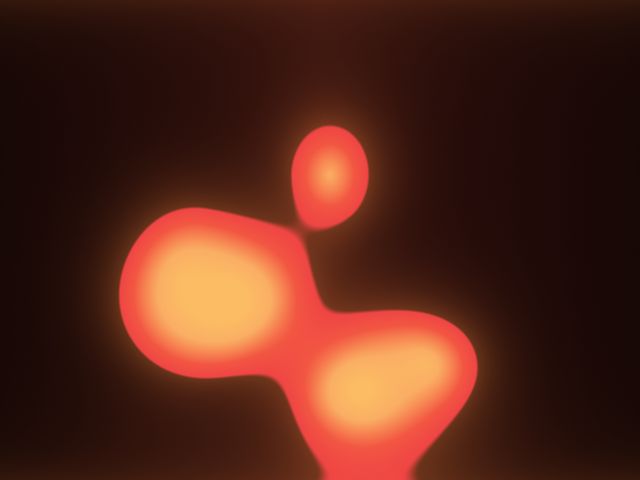
.ignoresSafeArea()Wax blobs rising and sinking through a warm glass column, merging with smooth signed-distance unions.
Rectangle()
    .parallelShader(.lavaLamp)
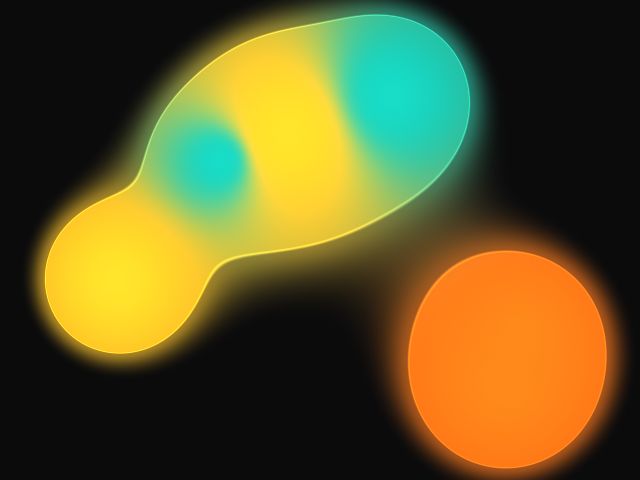
.ignoresSafeArea()Gooey blobs on looping orbits that merge and split, colored by whichever ball is closest.
Rectangle()
    .parallelShader(.metaballs)
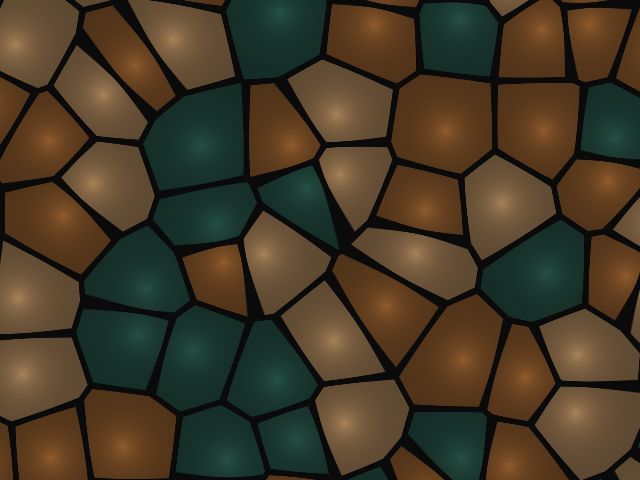
.ignoresSafeArea()Animated Voronoi cells with glowing borders and a per-cell color drawn from the palette.
Rectangle()
    .parallelShader(.cells)
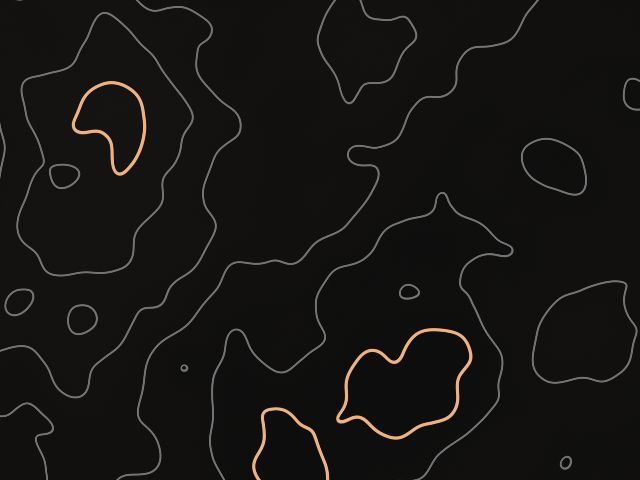
.ignoresSafeArea()Contour lines of a slowly evolving landscape, with heavier index lines and soft elevation tints.
Rectangle()
    .parallelShader(.topography)
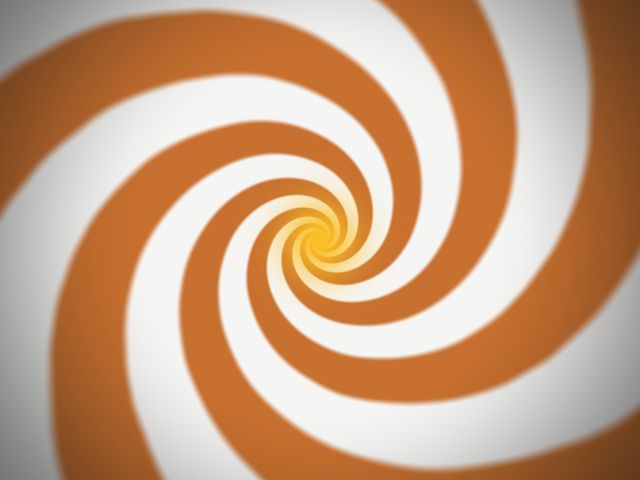
.ignoresSafeArea()Spiral arms twisting into a glowing eye, with optional noise to roughen the bands.
Rectangle()
    .parallelShader(.vortex)
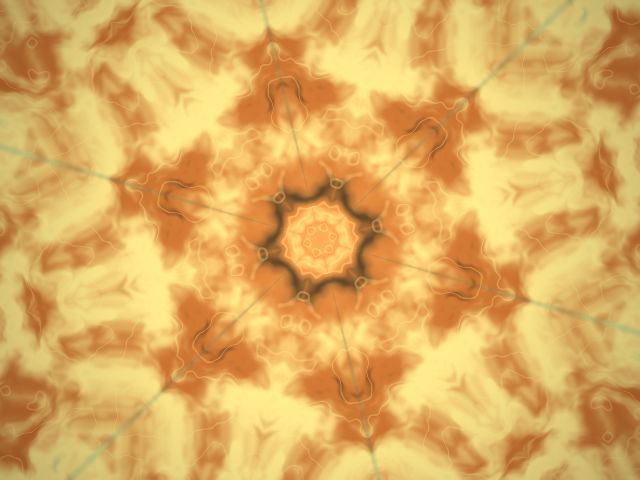
.ignoresSafeArea()Mirrored wedges of flowing noise and line work, folding into a slowly turning mandala.
Rectangle()
    .parallelShader(.kaleidoscope)
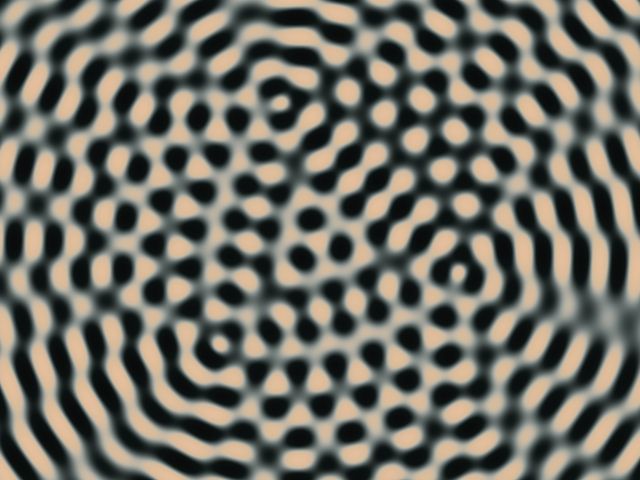
.ignoresSafeArea()Circular waves from moving sources overlapping into moiré bands, like a ripple tank.
Rectangle()
    .parallelShader(.interference)
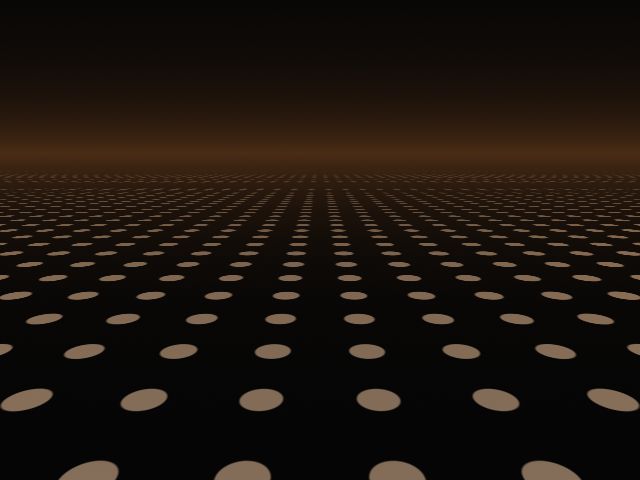
.ignoresSafeArea()A 3D ground plane of dots rolling with waves toward the horizon, fading into fog.
Rectangle()
    .parallelShader(.dotHorizon)
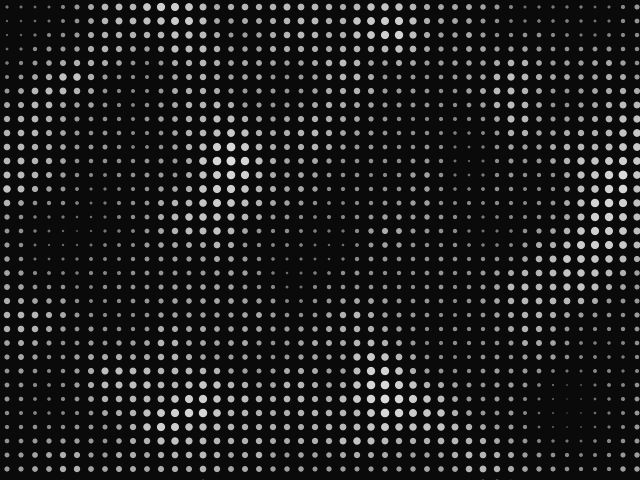
.ignoresSafeArea()A flat grid of crisp dots whose size and color follow a moving pattern: noise, rings, flow or cells.
Rectangle()
    .parallelShader(.dotMatrix)
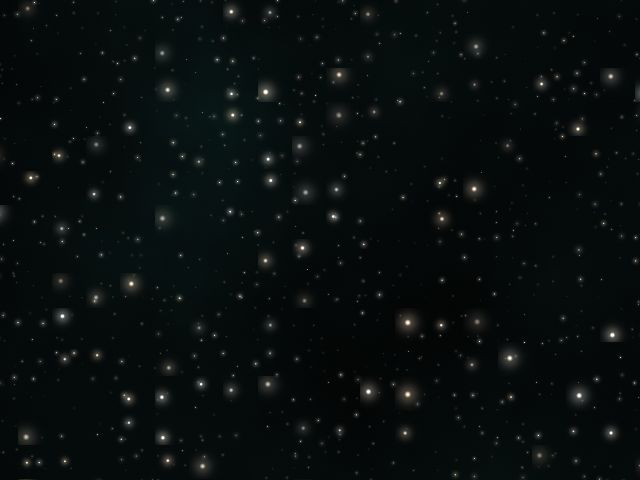
.ignoresSafeArea()Three parallax layers of twinkling stars drifting past, over an optional faint dust cloud.
Rectangle()
    .parallelShader(.starfield)
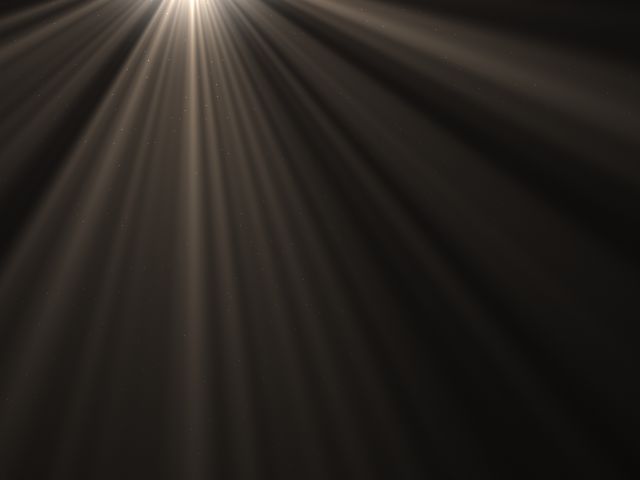
.ignoresSafeArea()God rays fanning out from a light source, flickering through haze, with floating dust in the beams.
Rectangle()
    .parallelShader(.lightRays)
.ignoresSafeArea()Soft cumulus drifting across a gradient sky, lit from a low sun with shaded undersides.
Rectangle()
    .parallelShader(.clouds)
.ignoresSafeArea()Sparks rising from a hot glow, swaying and flickering as they cool from white to deep red.
Rectangle()
    .parallelShader(.embers)
.ignoresSafeArea()Polished stone with turbulent veins that slowly flow, plus an optional gold seam.
Rectangle()
    .parallelShader(.marble)
.ignoresSafeArea()Layered satin ribbons drifting in a breeze, with soft folds and a moving sheen.
Rectangle()
    .parallelShader(.silk)
.ignoresSafeArea()The demoscene classic, rebuilt: stacked sine fields mapped through a four-color cycle with optional banding.
Rectangle()
    .parallelShader(.plasma)
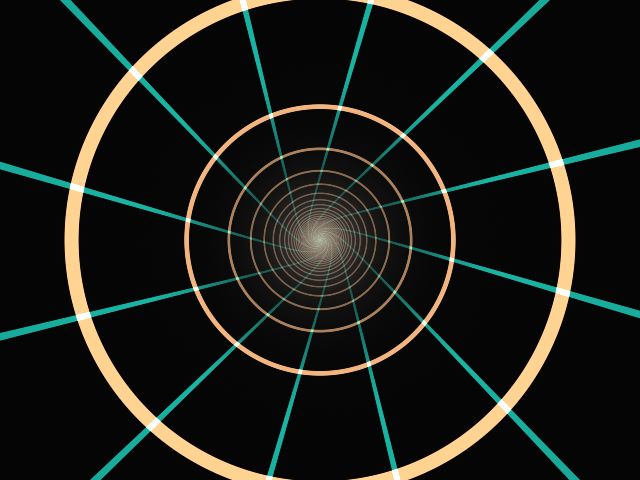
.ignoresSafeArea()An endless tunnel of glowing rings and rails rushing toward a vanishing point.
Rectangle()
    .parallelShader(.warpTunnel)
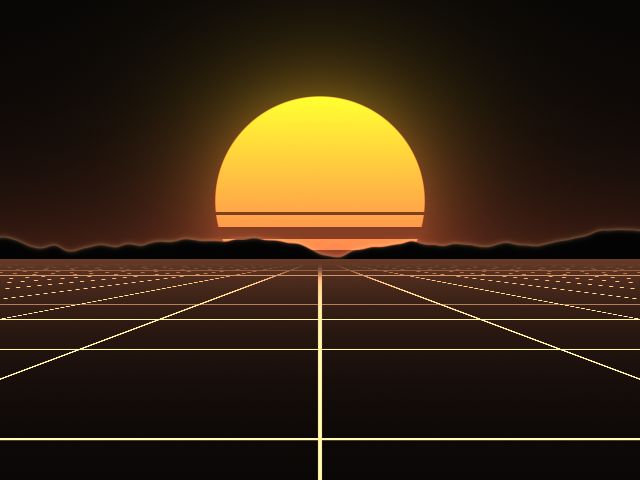
.ignoresSafeArea()A glowing perspective grid racing toward a striped sun and a ridge of mountains.
Rectangle()
    .parallelShader(.gridHorizon)
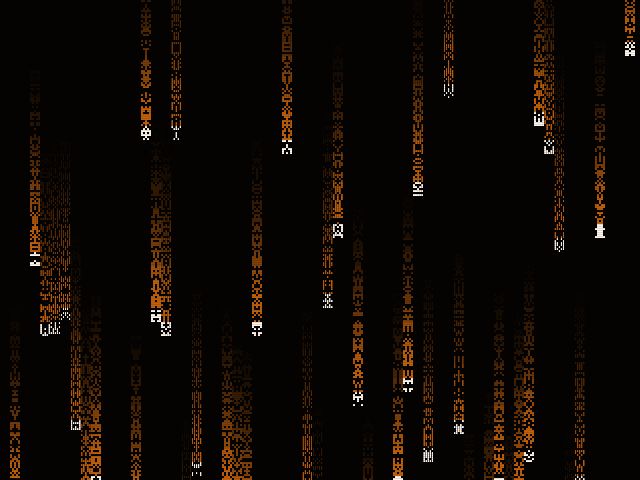
.ignoresSafeArea()Columns of blocky 5×7 glyphs streaming down a terminal, each trail led by a bright head.
Rectangle()
    .parallelShader(.glyphRain)
.ignoresSafeArea()Rings of water spreading over any view: from each tap, from the pointer as it moves, and optionally on their own.
Image("photo")
    .resizable()
    .scaledToFill()
.parallelShader(.waterRipple)Makes any view billow like cloth or a flag, optionally pinned at its leading edge.
Image("photo")
    .resizable()
    .scaledToFill()
.parallelShader(.flagWave)A round glass lens that magnifies whatever is under it, with a soft barrel-distorted rim.
Image("photo")
    .resizable()
    .scaledToFill()
.parallelShader(.magnifier)Shimmering air rising off hot asphalt: a soft noise wobble that drifts upward, strongest at the bottom.
Image("photo")
    .resizable()
    .scaledToFill()
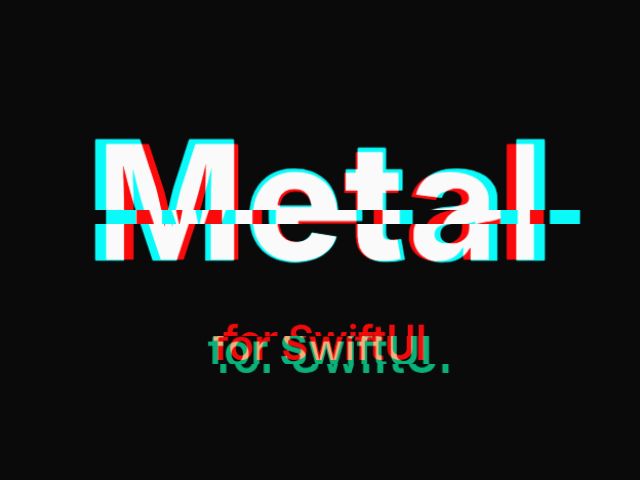
.parallelShader(.heatHaze)Splits any view into red and cyan fringes like a cheap lens, with optional digital glitch slices.
Text("Metal")
    .font(.system(size: 96, weight: .heavy))
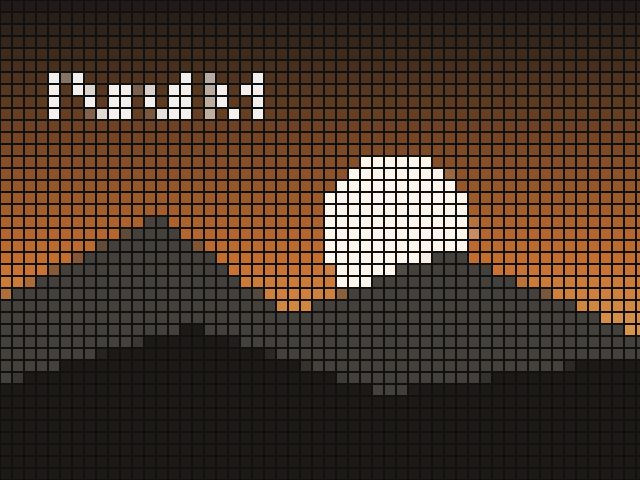
.parallelShader(.chromaticSplit)Turns any view into square tiles or round LED dots, with a lens that reveals the sharp original.
Image("photo")
    .resizable()
    .scaledToFill()
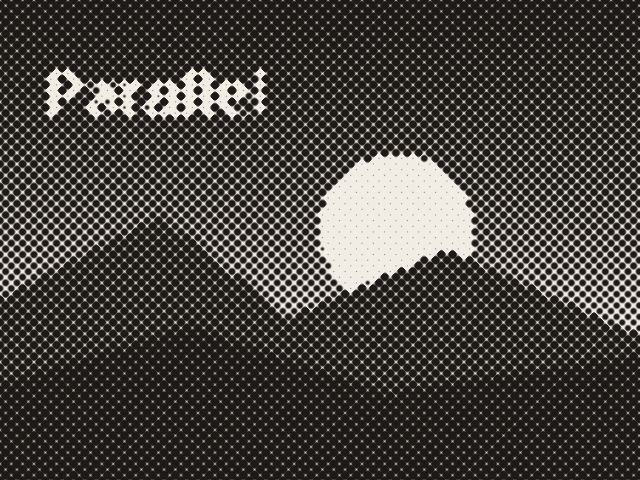
.parallelShader(.mosaic)Re-prints any view as halftone dots on a rotated screen: one ink on paper, or the view's own colors.
Image("photo")
    .resizable()
    .scaledToFill()
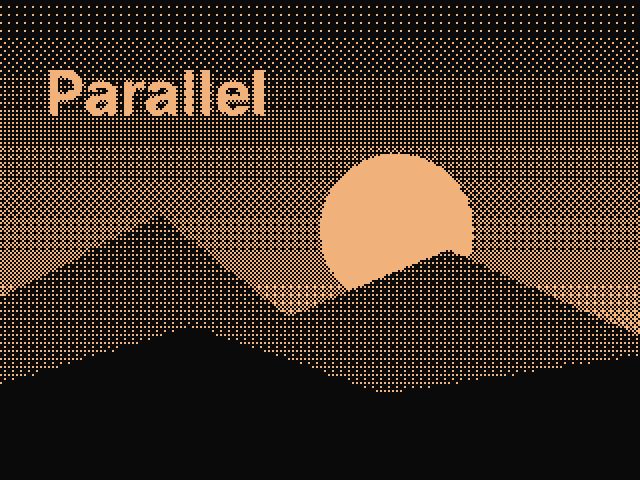
.parallelShader(.halftone)Ordered 4×4 Bayer dithering into a 2–4 color palette, for a 1-bit screen or early-print look.
Image("photo")
    .resizable()
    .scaledToFill()
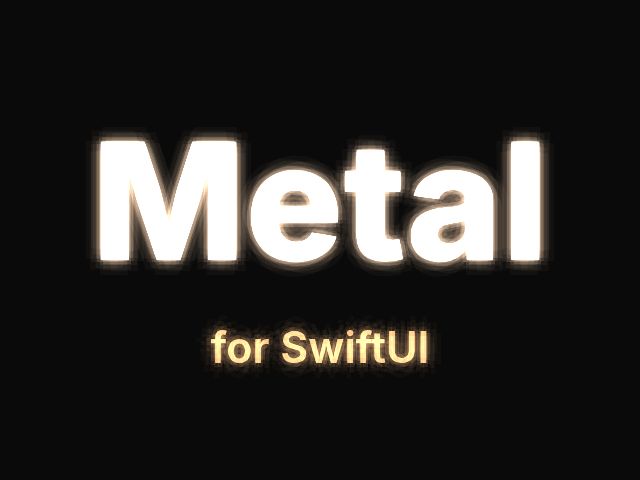
.parallelShader(.dither)Soft bloom around the bright parts of any view, tinted and gently breathing, like neon in fog.
Text("Metal")
    .font(.system(size: 96, weight: .heavy))
.parallelShader(.bloom)Turns the shape of any view (text, SF Symbols, icons) into beveled, flowing polished metal.
Image(systemName: "star.fill")
    .font(.system(size: 160))
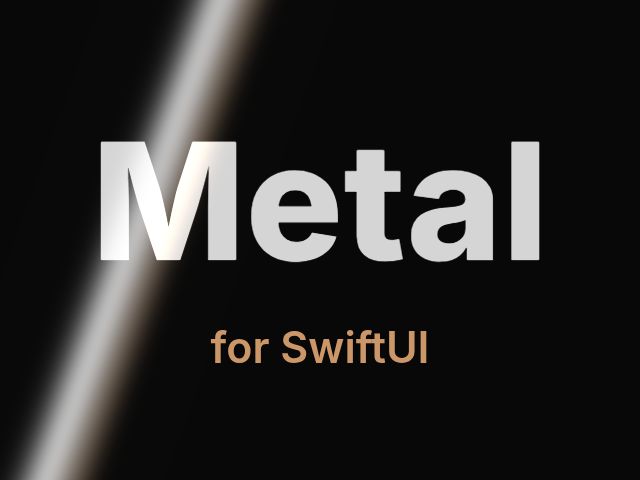
.parallelShader(.chromeFill)A band of light that sweeps across text, icons or cards on a loop: the loading or premium highlight.
Text("Metal")
    .font(.system(size: 96, weight: .heavy))
.parallelShader(.shimmer)Re-colors any view by brightness through a four-stop ramp: duotones, film looks, brand-colored photos.
Image("photo")
    .resizable()
    .scaledToFill()
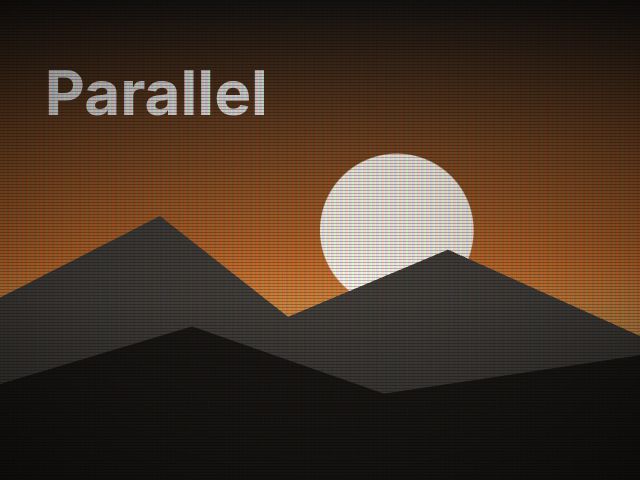
.parallelShader(.gradientMap)A cathode-ray monitor over any view: scanlines, a phosphor mask, flicker, a rolling bar and vignette.
Image("photo")
    .resizable()
    .scaledToFill()
.parallelShader(.crt)One-app license (LICENSE.md in the download): one app or project, its iOS, iPadOS and macOS versions included. Every shader is our own code; no third-party notices are needed.
| Platforms | iOS 17, iPadOS 17, macOS 14 (Sonoma) or later |
|---|---|
| Xcode | 15 or later (16 recommended) |
| Framework | SwiftUI (works inside UIKit/AppKit apps through UIHostingController / NSHostingView) |
| Install | Local Swift package: Add Package Dependencies ▸ Add Local. No CocoaPods, no third-party dependencies |
| Language | Swift 5.9+, Metal (compiled by Xcode) |
| Not included | Web versions. Our web effects are a separate product line (script tag / React / Framer) |
$39 one-time
Not on sale yet. Leave your email below and we'll tell you when it is.
Native SwiftUI, sold separately: the All-Access Pass covers our web effects only.
An app built with SwiftUI for iOS 17, iPadOS 17 or macOS 14 or later, and Xcode 15 or later. Add the folder as a local Swift package and import ParallelShaders. UIKit and AppKit apps can host the effects with UIHostingController or NSHostingView.
They're WebGL approximations so you can see the effects in a browser: GLSL ports generated from the same shader source as the Metal code, with the same parameters, presets and pointer and tap behavior. The package itself is native Metal running through SwiftUI, and on device it's the reference. Tilt isn't simulated here.
No. It's a separate product line for native Apple apps. Our web effects (Shader Gradients, Dot Grid Field, Liquid Cursor and the rest) are script tags and React/Framer components for websites. Different code, different license, sold separately, and not part of the All-Access Pass.
Yes. Every effect has typed parameters, a four-color palette, speed and three presets, all through one ShaderSettings value. The demo app's inspector lets you dial a look in and copies the SwiftUI code. You get the Metal source too, so you can edit shaders or write new ones; SKILL.md explains the conventions to you or your coding agent.
With Reduce Motion on, each effect shows a finished still frame by default (or runs slowed, if you choose). Effects stop rendering when their view disappears, when they scroll out of view in lazy stacks and grids, and when the app goes to the background, and you can cap the frame rate (30 fps is plenty for most backgrounds).
Backgrounds work anywhere: fill a shape, a card, or text. Effects that transform a view (ripples, magnifier, halftone, bloom…) work on SwiftUI content: text, shapes, images, Canvas and most controls. SwiftUI can't apply shaders to views backed by UIKit or AppKit, such as maps, web views and video players.
One app (its iOS, iPadOS and macOS versions count as one), shipped to any number of users, for you or one client. You can't resell or publish the shader source, or include it in a template, kit or library. Agencies and multiple apps: one license per app, or ask us about an extended license.
No. Every shader, the Swift package, the demo and the docs are our own work, built from published graphics techniques (gradient noise, cellular noise, metaballs, ordered dithering, reflection mapping). No third-party notices are required.
v1.0 targets iOS, iPadOS and macOS. Other Apple platforms aren't supported yet.
Email hi@gunnargray.com.
The launch, new shaders, v1.x releases and the occasional new tool. No more than that.